Training · For everyone
Git Under Control
Clean histories, suitable development models, and parallel work with people and AI agents
- Scope 6 sessions of 2 hours
- Format Live via Zoom
- Language German
- Price per person €1,199
What it is about
Git can do more than most teams make use of. The result is unnecessary merge conflicts, commit histories that do not explain why something changed, and development models that slow you down instead of speeding you up. And since AI agents started writing code, it is no longer only humans who work on the same codebase in parallel.
In this training you understand what really happens during a merge, clean up histories before you share them, and get to know proven branching strategies. You decide what belongs in your repository and what belongs in a release. With Git worktrees you work on several tasks in parallel, and several agents do not get in each other's way. Finally, you go looking for clues and use git bisect to find the change that introduced a bug.
How you work
Watching is not enough for this. Each session starts with a demonstration of at most 40 minutes, after which you work on your own in the terminal for 60 to 75 minutes, on prepared repositories and without slides. The tasks have two levels, so that you can keep going when you finish early without the group drifting apart. In sessions 2 and 5 you work in pairs against a shared remote repository, so that conflicts arise the way they do in a team and not the way they do in a textbook.
The discussion at the end of each session starts from the mistakes and surprises of the exercise.
Programme
-
Session 1: Good commits, a clean history
What is a good commit, and how do you clean up before you share?
- Semantic commits: one logical change per commit, messages that explain the why
- Staging changes selectively with
git add -p - Cleaning up a history:
git commit --fixup,git rebase -iwith--autosquash, splitting, reordering, and squashing commits - When history may be rewritten: local yes, shared no
- The reflog as a safety net: only what nothing ever pointed to is lost
Result: A messy sequence of commits, rebuilt into commits that each describe one change with its reason, and a lost commit, recovered through the reflog
-
Session 2: What really happens during a merge
How does a conflict arise, and how do you resolve it instead of guessing?
- Under the hood: commits, trees, and blobs; branches and tags as pointers
- Common ancestor, fast-forward, merge commit, rebase, cherry-pick
- How conflicts arise, how you read them, for instance with
merge.conflictStyle=zdiff3, and how you resolve them - Resolving recurring conflicts only once with
git rerere - Merge or rebase: consequences for history and review
Result: Conflicts that you created, explained, and resolved in pairs against a shared remote repository, and the prepared conflict scenarios, resolved once with merge and once with rebase
-
Session 3: A development model for your team
How do you work together without ending up in merge hell?
- Strategies against merge hell: short-lived branches, frequent integration, unfinished work behind a switch instead of in a long-lived branch
- Trunk-based development: prerequisites and consequences
- Feature and release branches: when they are necessary, for instance with several supported versions
- Proven practices from open source development, for instance from maintaining PHPUnit: fixing a bug on the oldest affected branch and merging it upwards
Result: A justified choice of development model based on team size, release cadence, and the number of supported versions, and a fix that you merge upwards from the oldest of three release branches and, for comparison, distribute by cherry-pick
-
Session 4: Repositories, dependencies, and releases
What belongs in which repository, and what in a release?
- How many repositories do you want to work in? One repository or many, and what that means for collaboration across team boundaries
- Extracting a package with its history from a repository:
git subtree split,git filter-repo - Dependencies and version control: for applications,
composer.lockbelongs in the repository andvendor/does not; submodules and subtrees compared with Composer - Releases: annotated and signed tags, version numbers
-
.gitattributeswithexport-ignoreandgit archive: what ends up in the shipped package, and what does not?
Result: A package, extracted with its history from a monorepo and integrated again via Composer, and a tagged release whose archive contains neither tests nor tool configuration
-
Session 5: Working in parallel with worktrees and AI agents
How do several humans and agents work at the same time without getting in each other's way?
- Git worktrees: creating, listing, and removing several working directories for one repository
- One task, one branch, one worktree: why agents do not interfere with each other this way
- What worktrees share and what they do not: repository and branches in common, working directory, dependencies, and build artefacts separate
- Letting several coding agents work in parallel and checking their results
- Merging branches that were created in parallel: order, conflicts between agents, small commits as a prerequisite for reviews
- Cleaning up: worktrees and branches after integration
Result: At least three tasks, worked on in parallel in separate worktrees by agents or by hand, and merged in a defined order, including the one that collides with another
-
Session 6: Archaeology and analyses
What does the history reveal about bugs and about your project?
- Finding bugs with
git bisect, by hand and automated withgit bisect runand a test - Searching through time:
git grep, also in earlier versions, andgit log -Sand-Gfor the question of when something was introduced or removed - Reading
git blamesensibly: hiding reformatting and moved code with-w,-C, and--ignore-revs-file - Analyses of the history: who changes what, how often, where do changes concentrate, and which files change together?
- Visualisations of the history
Result: The commit that introduced the bug in the exercise repository, found with
git bisectby hand and automated, and the analysis of the history of your own project compared with those of the others - Finding bugs with
Who it is for
- Developers who already use Git every day and want to get more out of it
- Teams who struggle with merge conflicts and long-lived branches
- Tech leads who want to choose or review a development model for their team
- Developers who want to let several AI agents work in parallel
- Contributors to open source projects and everyone who publishes packages
Prerequisites
- Practical experience with Git or another distributed version control system
- For the exercises, Git, a terminal, and an editor of your choice
- For the exercises with PHP projects, PHP and Composer as well, or the container we provide for Podman or Docker
- Helpful for session 5, but not required: a coding agent you already work with
What you take away
- You write commits that explain what changed and why, and clean up your history before you share it
- You understand what happens during a merge, and avoid and resolve conflicts deliberately
- You choose a development model that fits your team and your projects, and justify the choice
- You know what belongs in your repository and what in a release, and check what a release actually ships
- You use Git worktrees to work on several tasks in parallel and to involve AI agents
- You use
git bisectto find the change that introduced a bug, and analyse the history of your project
Your trainer
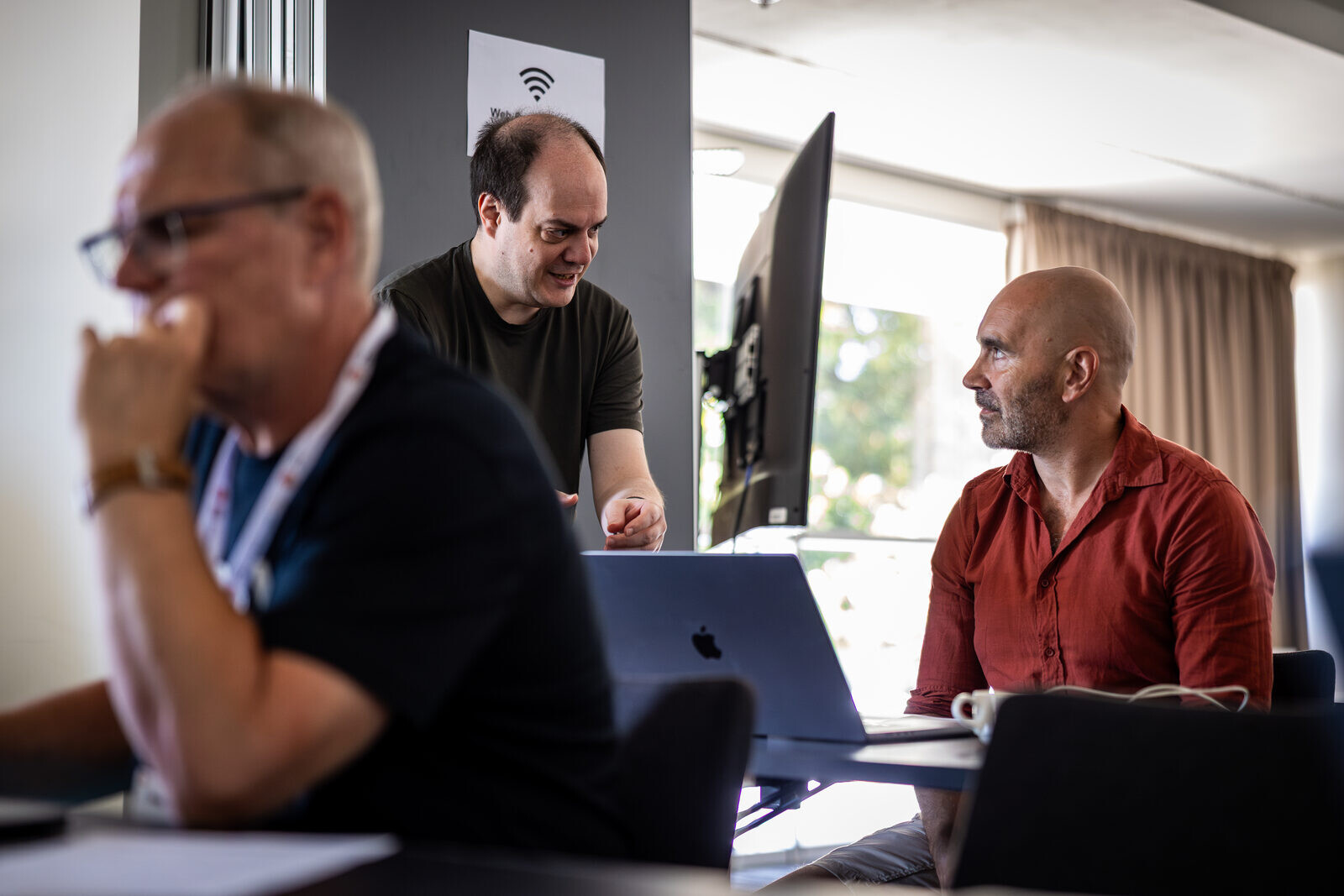
Sebastian Bergmann is the creator of PHPUnit, the de facto standard for testing PHP code. Since 2001 he has been helping teams build maintainable and well-tested software as a consultant and trainer, since 2009 as a co-founder of thePHP.cc.
As the maintainer of PHPUnit he looks after several versions at the same time: each major version gets bug fixes for two years, and older branches are still adapted to changes in PHP. The approach you practise in the third session comes from this work: fixing a bug on the oldest affected branch and merging it upwards.